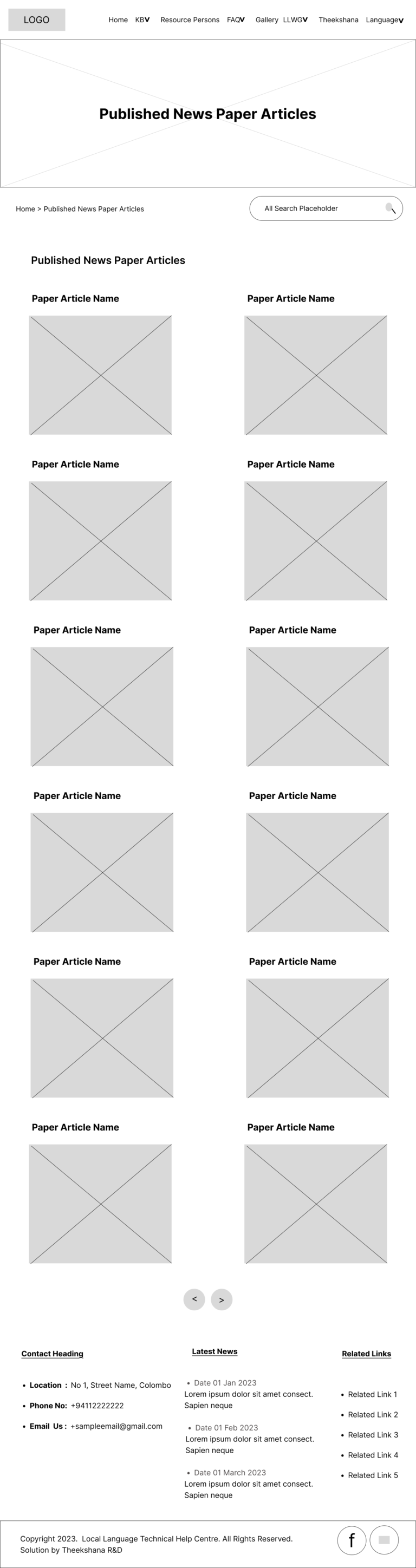
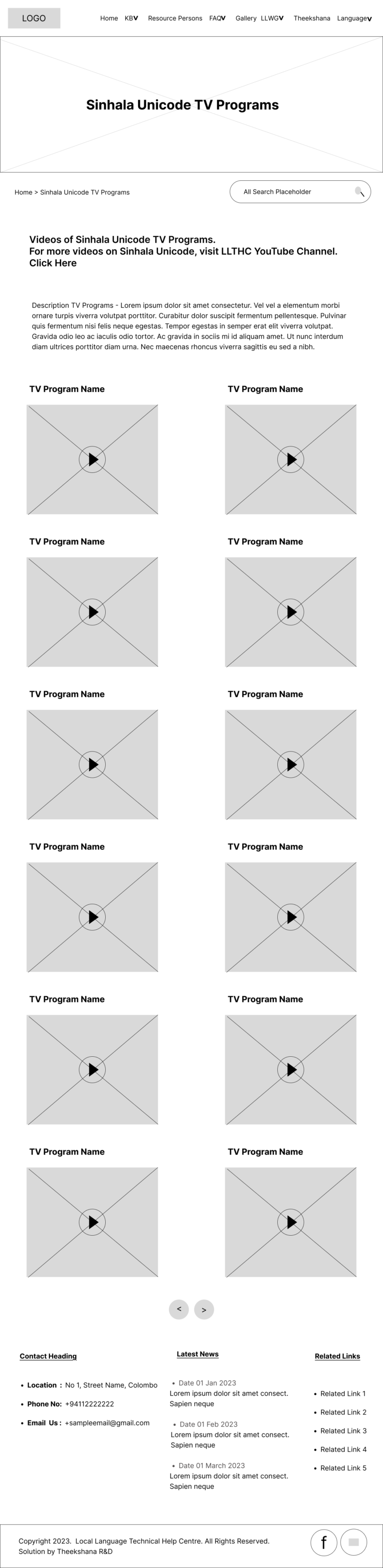
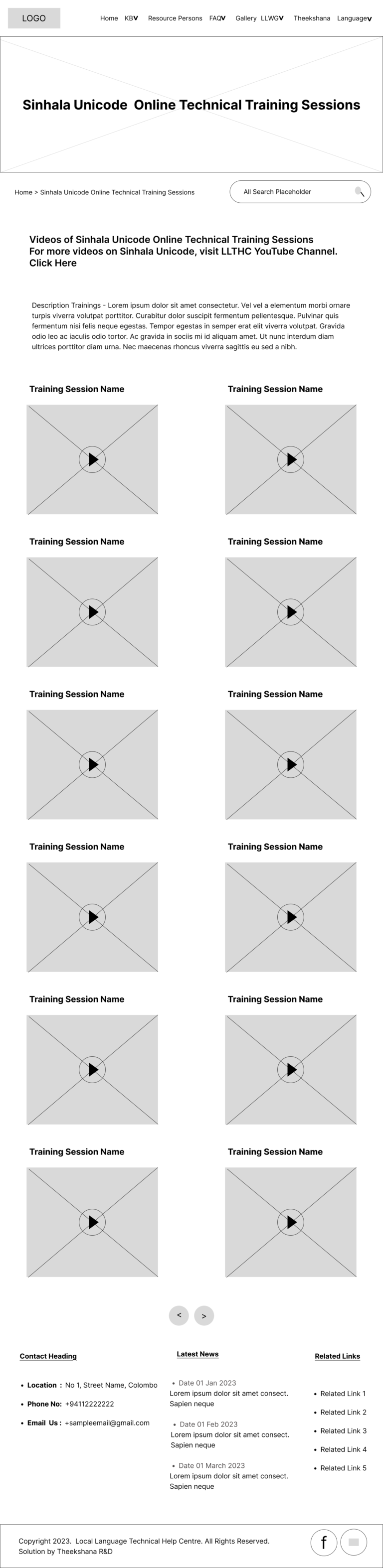
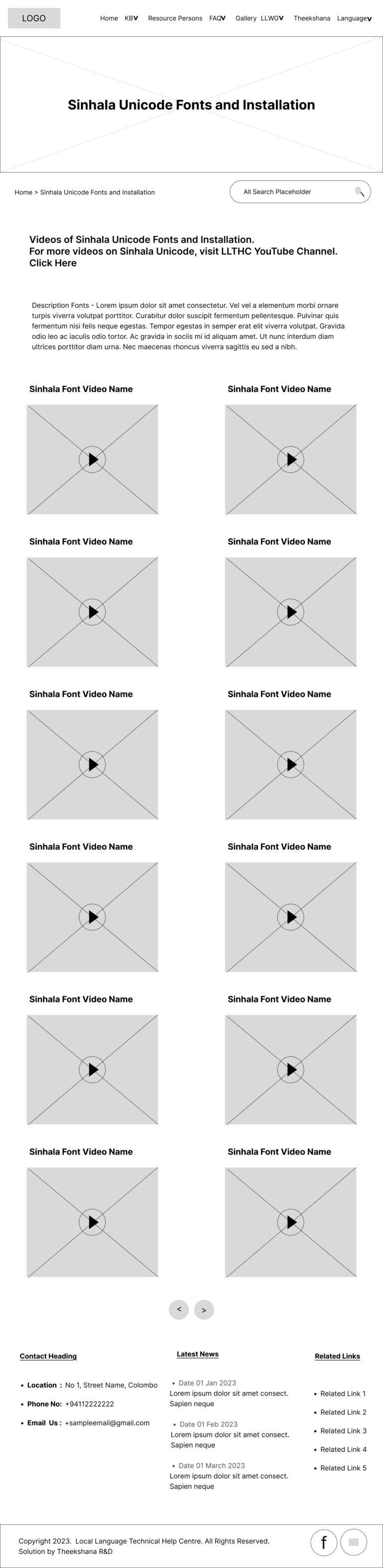
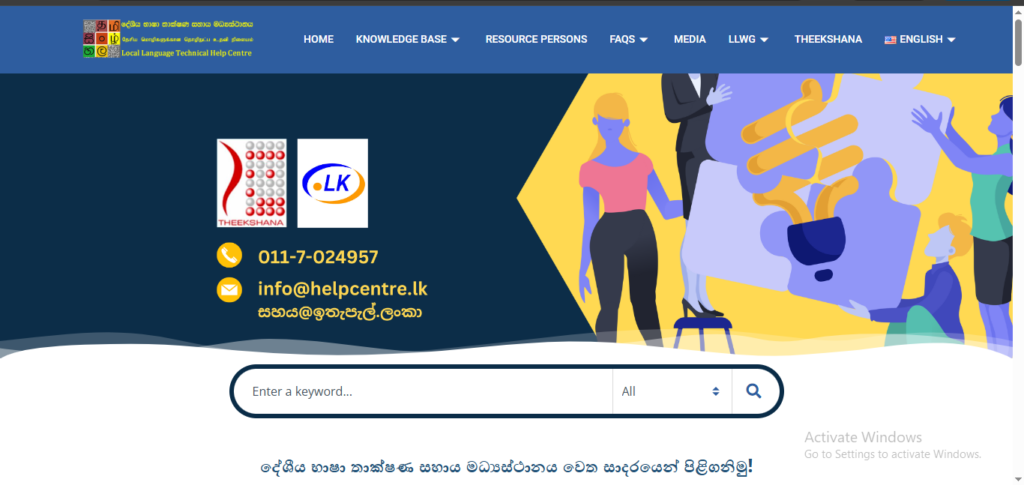
Local Language Technical Help Center Website
UI/UX Case Study

~Visit the Site~

1. Project Background and My Role

This project focuses on designing the “Local Language Technical Help Center” website to provide access to local language technical support and educational resources for Sri Lankan users. The site provides articles, FAQs, and multimedia content on Sinhala Unicode, localization issues, and technical help in three languages, aiming to make information easier to find and interact with across devices.

As a team member of the LLTHC project, I’ve collaborated with stakeholders (including government partners and LK Domain Registry) to identify the user pain points, define the user needs and localization goals.

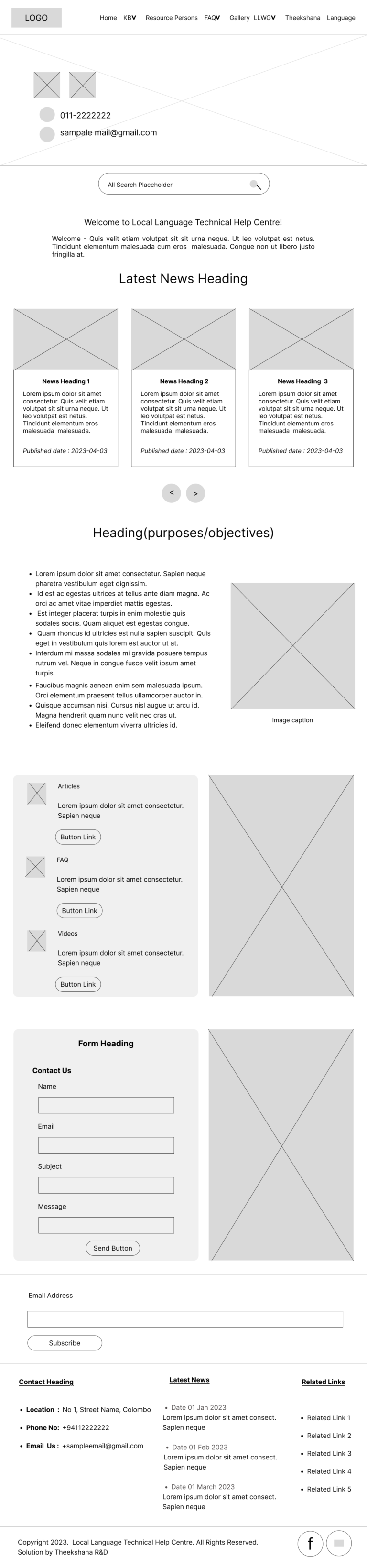
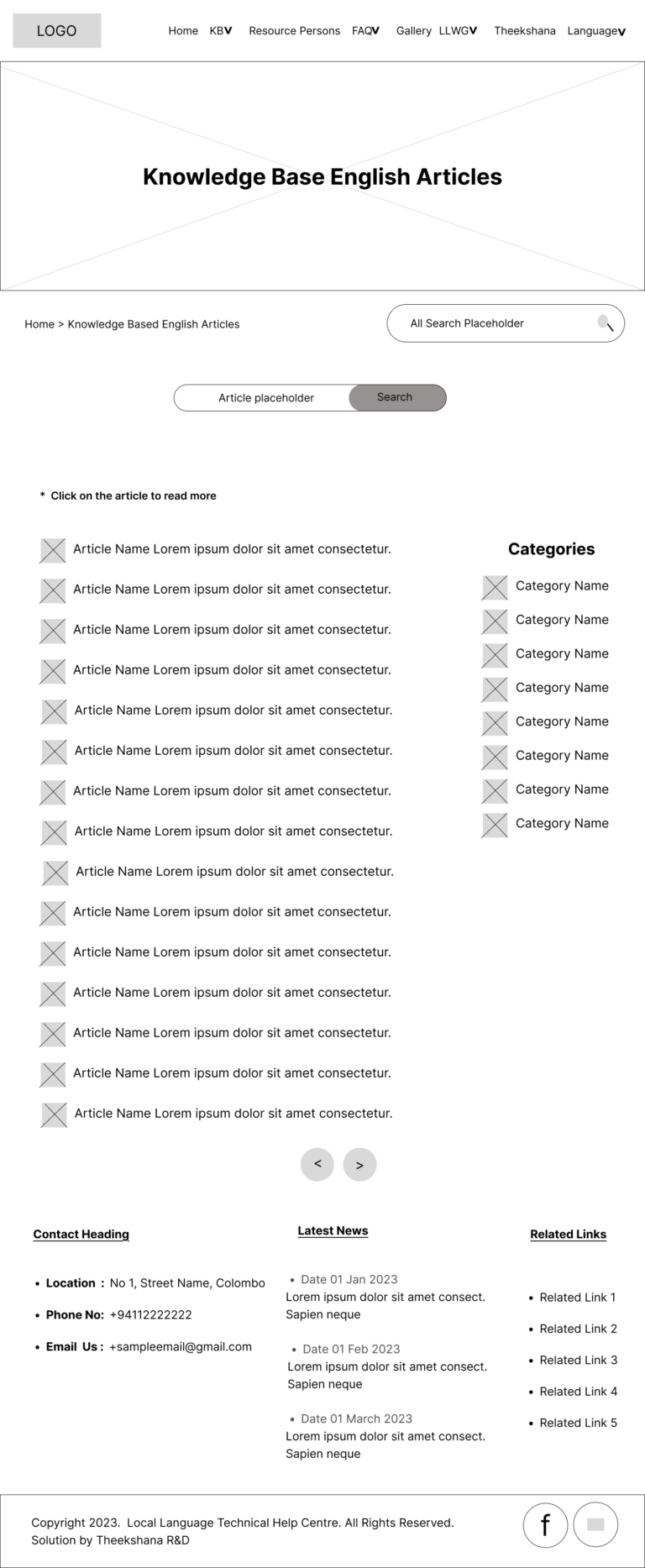
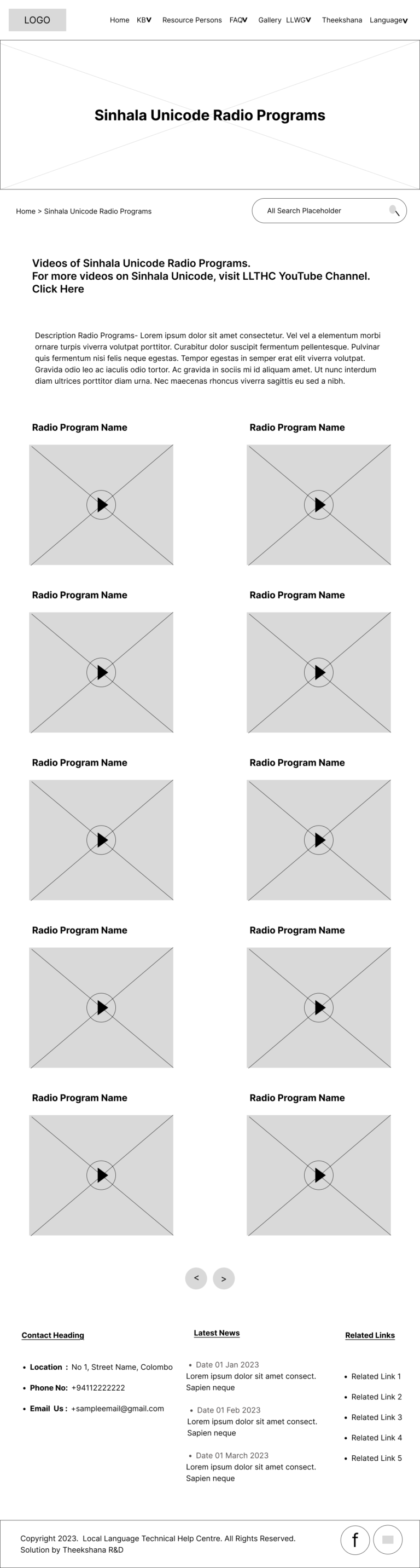
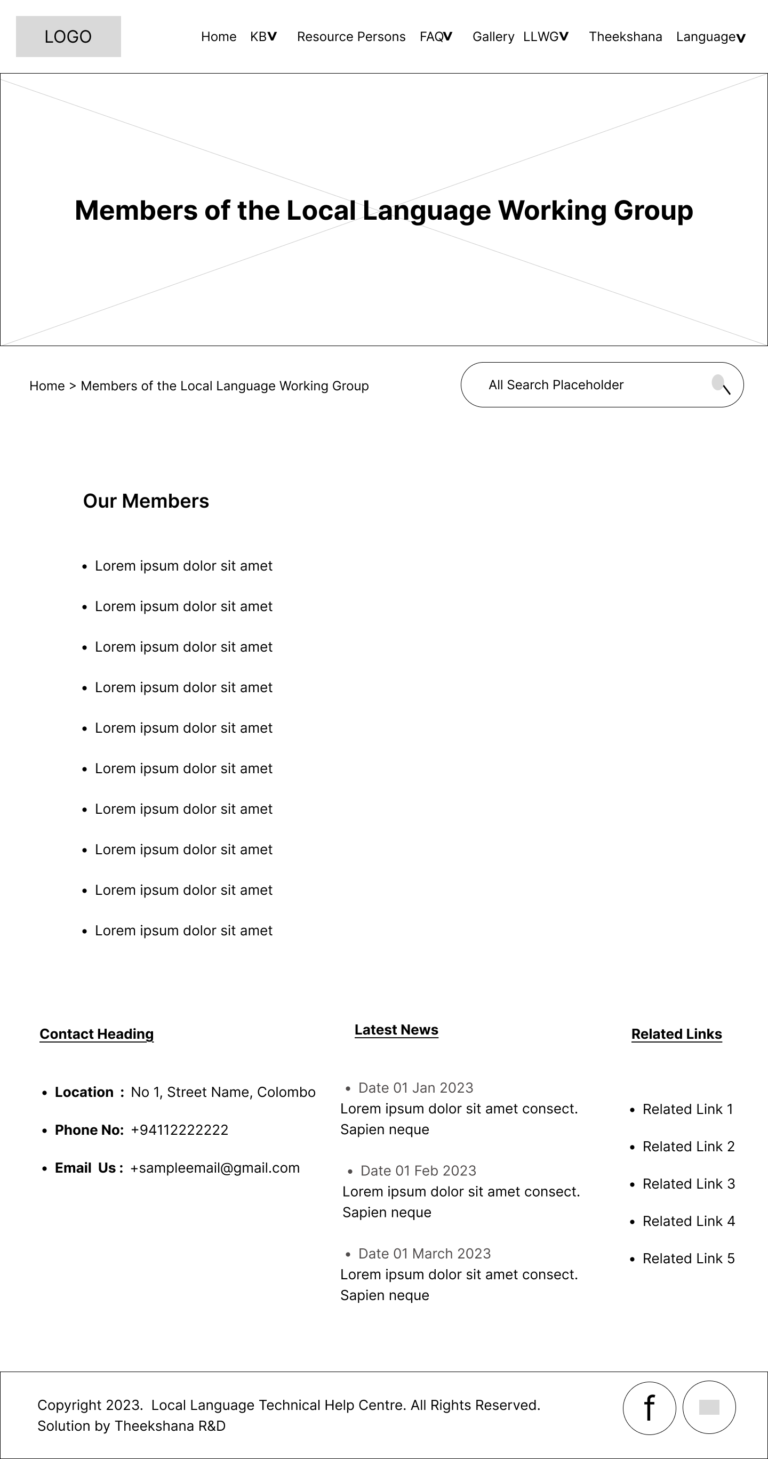
• Created wireframes and user flows for the website.
•Designed and delivered a multilingual web platform supporting Sinhala/Tamil users with Unicode typing and localization issues.

2. Problem Statement

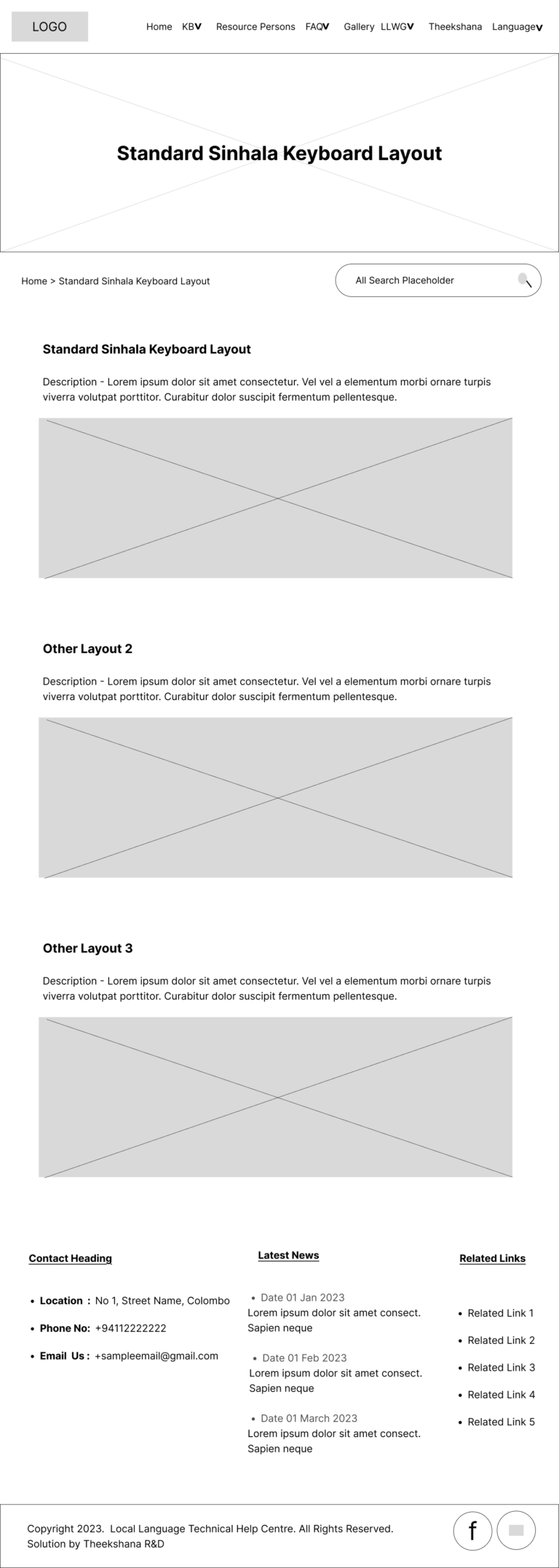
Many users in Sri Lanka, especially desktop/laptop users, face significant challenges when attempting to type in Sinhala. These difficulties arise from improperly configured keyboard layouts, a general lack of awareness about Unicode standards, and insufficient knowledge of proper Sinhala font usage. The majority of Sinhala and Tamil-speaking users in Sri Lanka found it challenging to resolve even basic digital issues due to the lack of centralized, accessible technical assistance in their native languages.
As a result, users were forced to search across multiple platforms for guidance, often without success.

3. Design Process

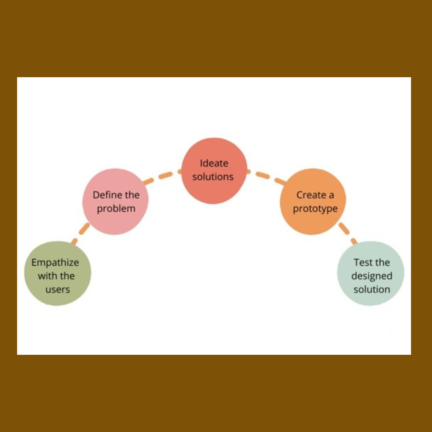
Utilized the following design thinking process.

• Understanding of user needs, behaviors, and pain points through observation and research.
• Then, identified key user challenges and defined the problem to guide the design process.
• Next, explored multiple ideas and possible solutions to address the identified user problems.
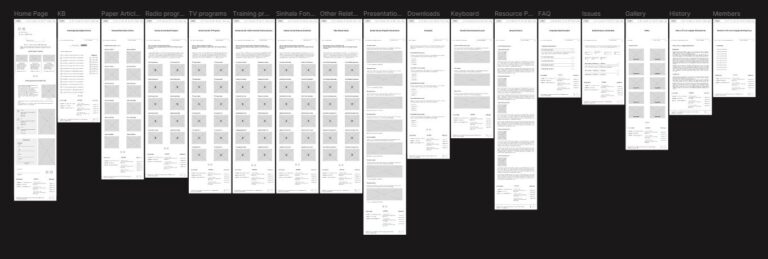
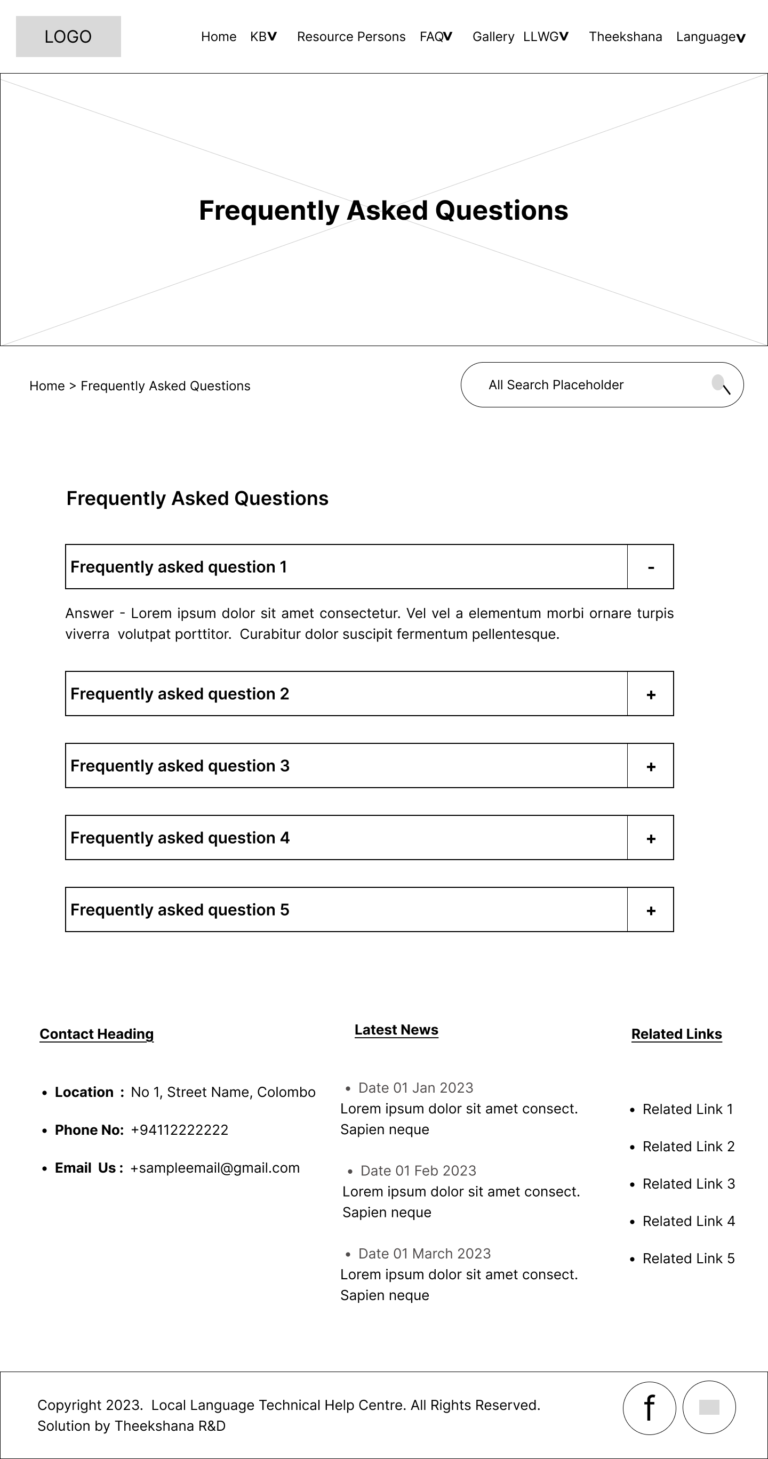
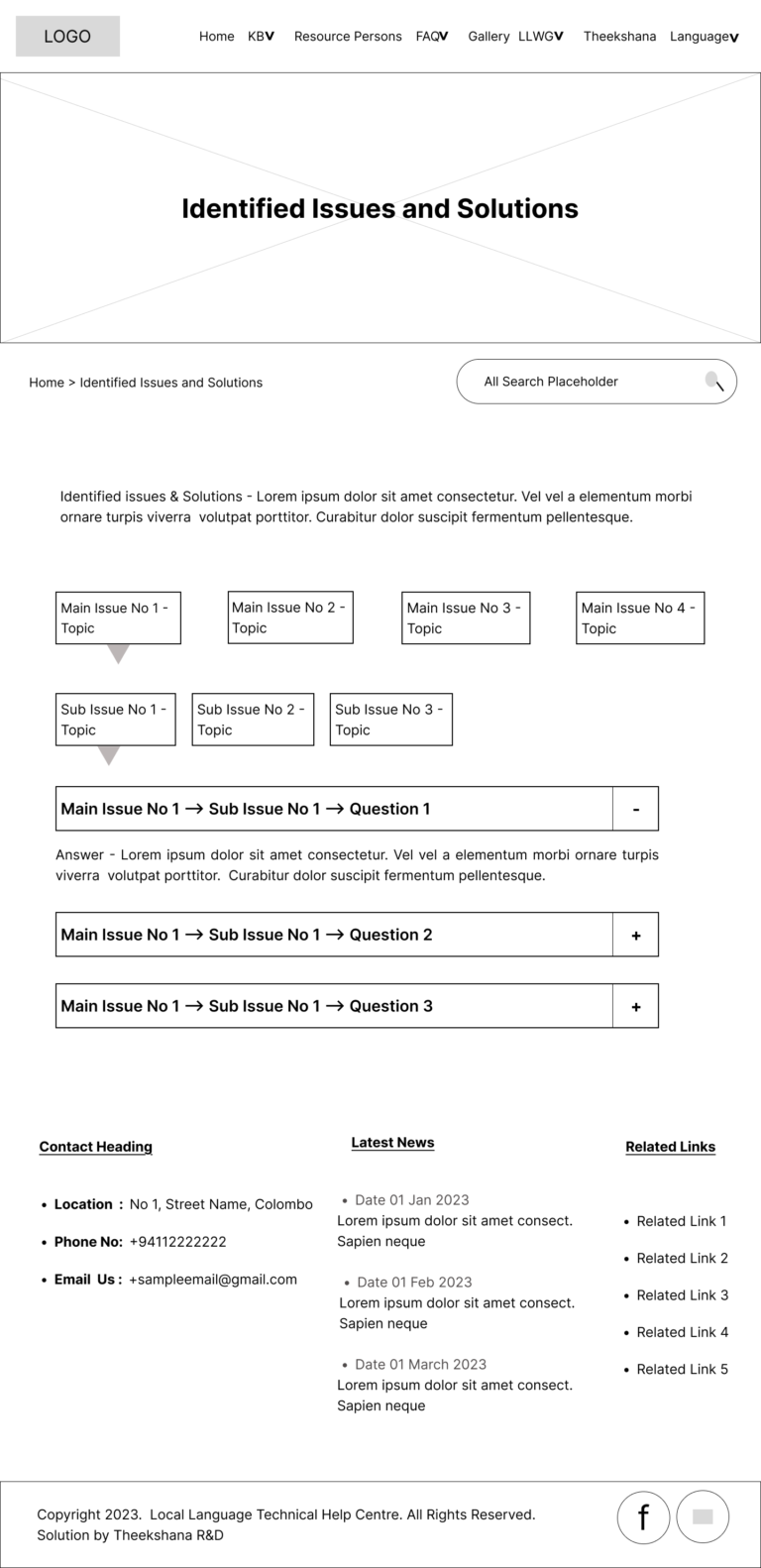
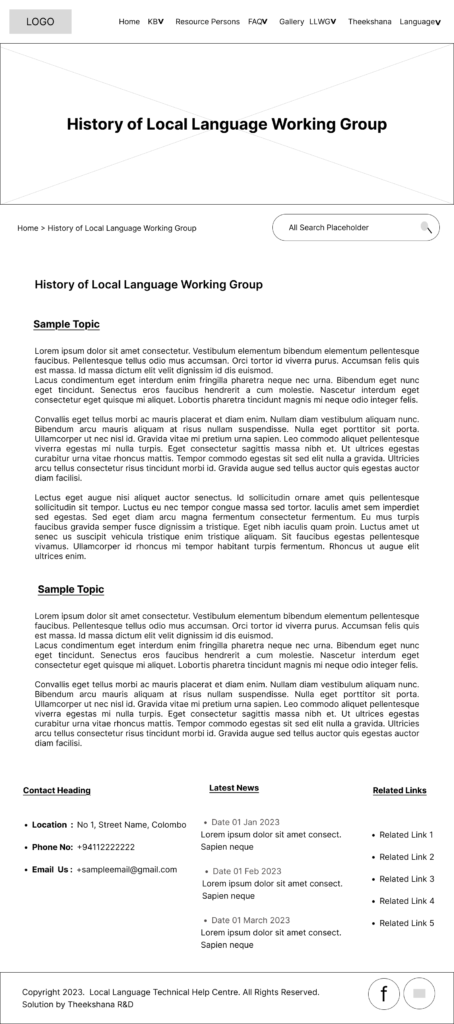
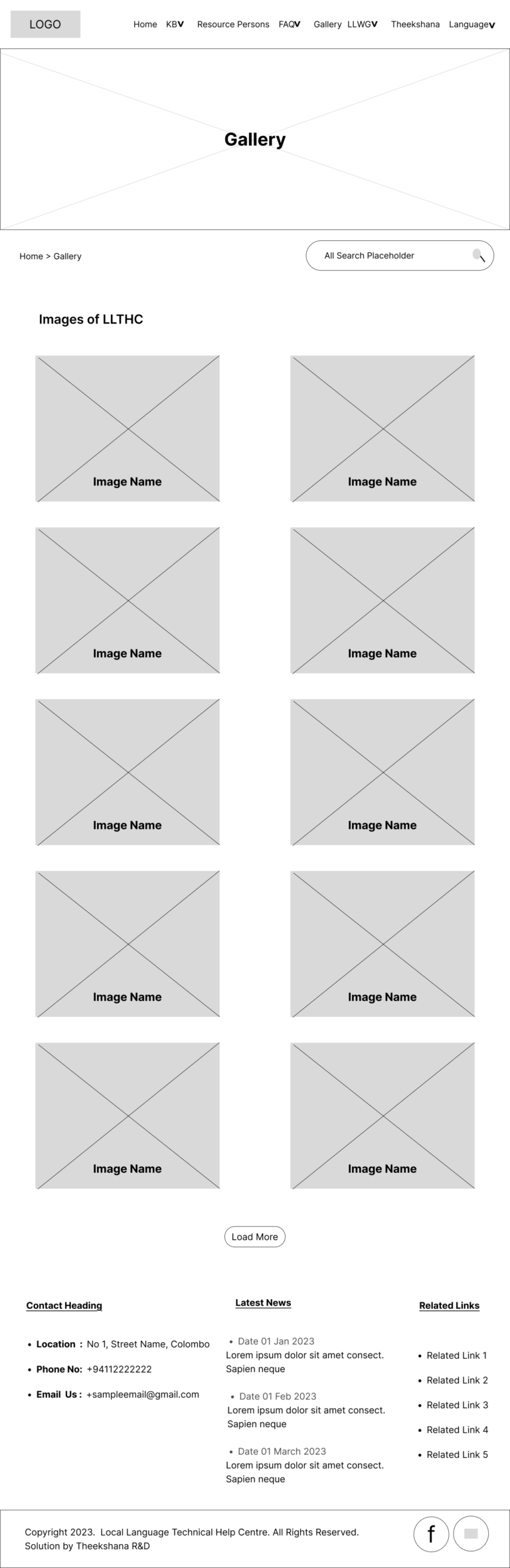
• Created wireframes and interactive
prototypes to visualize and test design concepts.
• Finally, evaluated the design through testing and feedback to refine and improve the user experience.
4. User Research

~~~ Background Research ~~~

  • Before the design and development of helpcentre.lk, we introduced a dedicated phone line to collect user complaints related to digital accessibility in the Sinhala language, while also providing immediate responses over the phone.

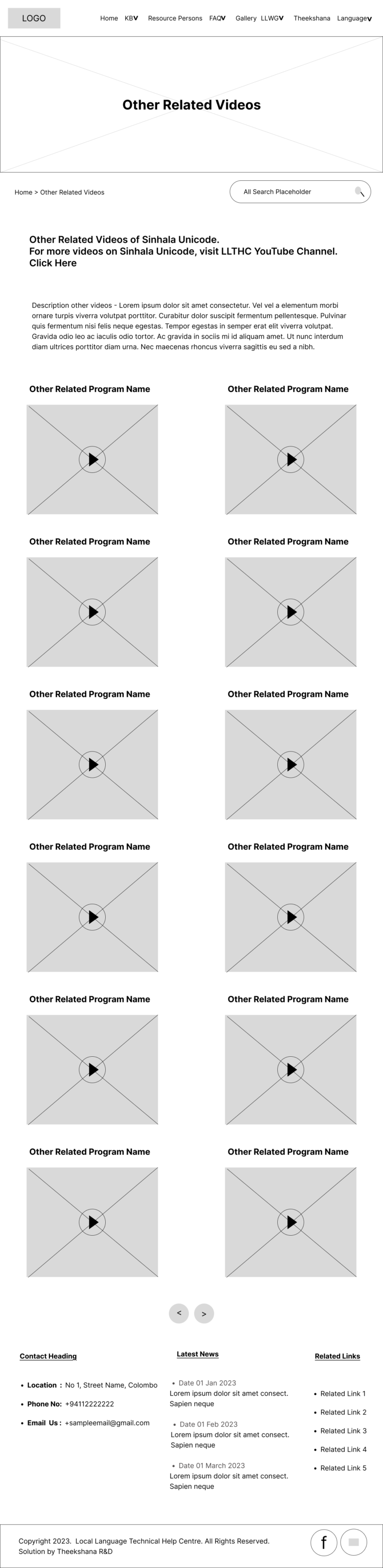
  • Before publishing the LLTHC website, the client created a YouTube channel to post tech support videos in Sinhala. However, the target audience was unaware of the channel because of its low visibility, lack of promotion, and absence of a centralized platform.

  • Addressing issues only via phone calls proved to be inefficient and unsustainable as a long-term solution, especially given the repetitive nature of many queries.

  • We analyzed over 25 user complaints collected through the initially established phone call service. These insights helped us identify common frustrations, , and behavior patterns.

  • The data collected from these calls helped us to identify the key pain points, user frustrations and needs. These insights became the foundation for our UX research and helped define the direction and goals of the helpcentre.lk platform.

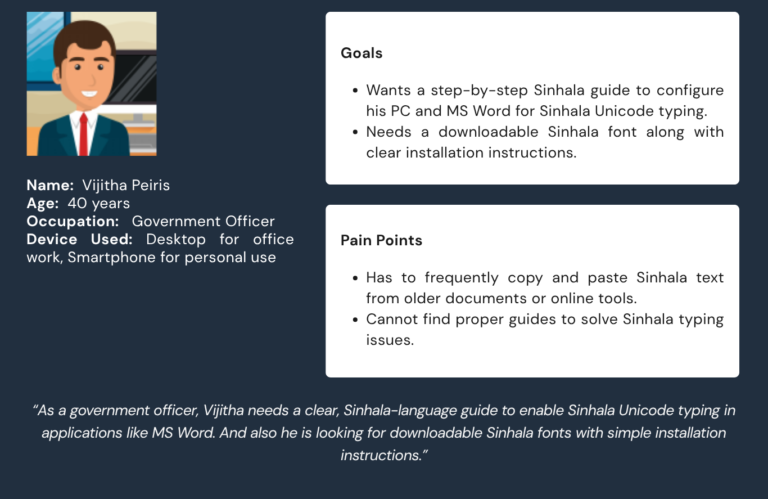
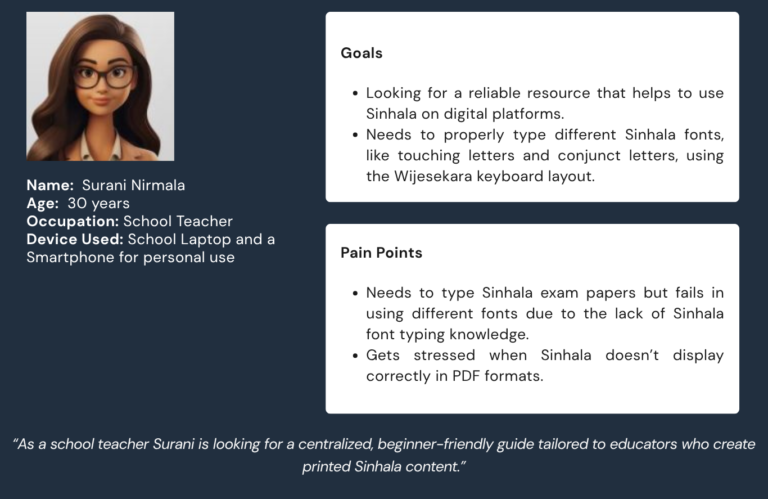
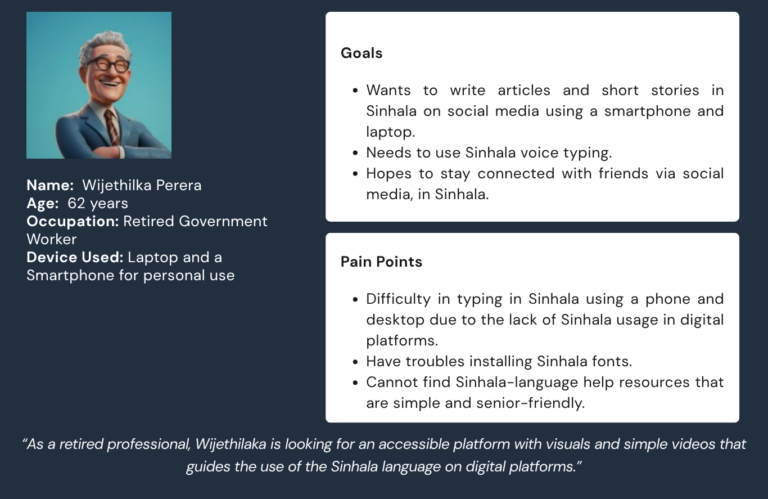
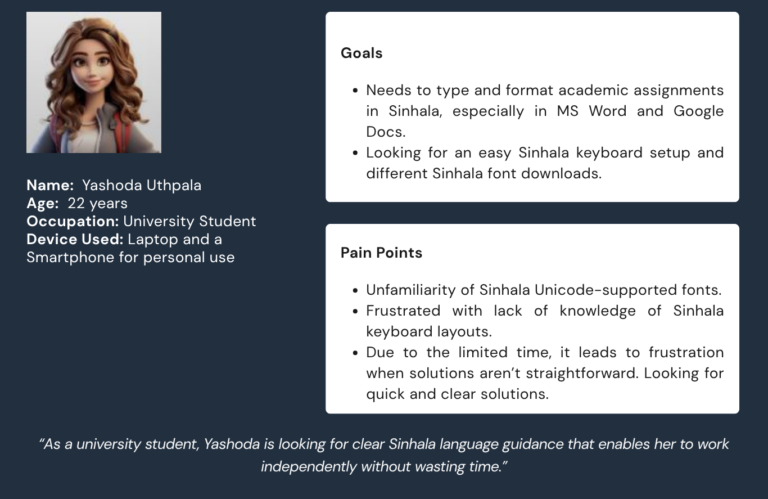
  • To effectively represent our target users and direct the UX design process using a user-centered approach, we created empathy maps and user personas based on this real-world data.

5. Empathy Map and User Personas
Empathy Map

Says

  • What are the available Sinhala fonts to use?
  •  I send a Sinhala typing document for another co-worker. But the document doesn’t display the way I sent it on his computer. All the fonts changed.
  • I cannot find enough guidance on the internet to solve my Sinhala typing issues that occurred on the desktop.
  • I don’t understand why some letters are switched in some words when I am typing in Sinhala.

Thinks

  • Why are all these tutorials not in one place?
  • Why isn’t there a place where everything is explained in Sinhala?
  • There must be an easier way to type in Sinhala.
  • Why are these fonts not supported on my computer?

Does

  • Click Call for technical support to resolve the digital issues.
  • Searche Sinhala typing tutorials on random blogs, forums, and videos.
  • Repeatedly try to use different fonts to resolve the typing issues without success.

Feels

  • Frustrated by technical barriers.
  • Embarrassed to ask for help often.
  • Frustrated with the work when the problem is not solved.
User Personas
6. Proposed Solution

helpcentre.lk is established to support Sri Lankans in resolving common digital issues related to using the Sinhala language on various devices such as desktops, laptops, and smartphones.
Through this website, it provides practical solutions to problems like

  • Sinhala text not displaying correctly, keyboard input issues, font compatibility problems, printing or sharing documents in Sinhala, mobile typing, and app support.

The platform plays a key role in helping users become more digitally empowered. This ensures that the Sinhala language is standard-compliant and accessible in today’s digital systems.

7. Final Wireframes